On-device · No cloud

More than just a blink rate detector.

EyesRhythm uses your webcam to score how often and how steadily you blink on long screen days. Live ORI, avatars, multi-camera desks, and reports — no account, and no video leaving your machine.

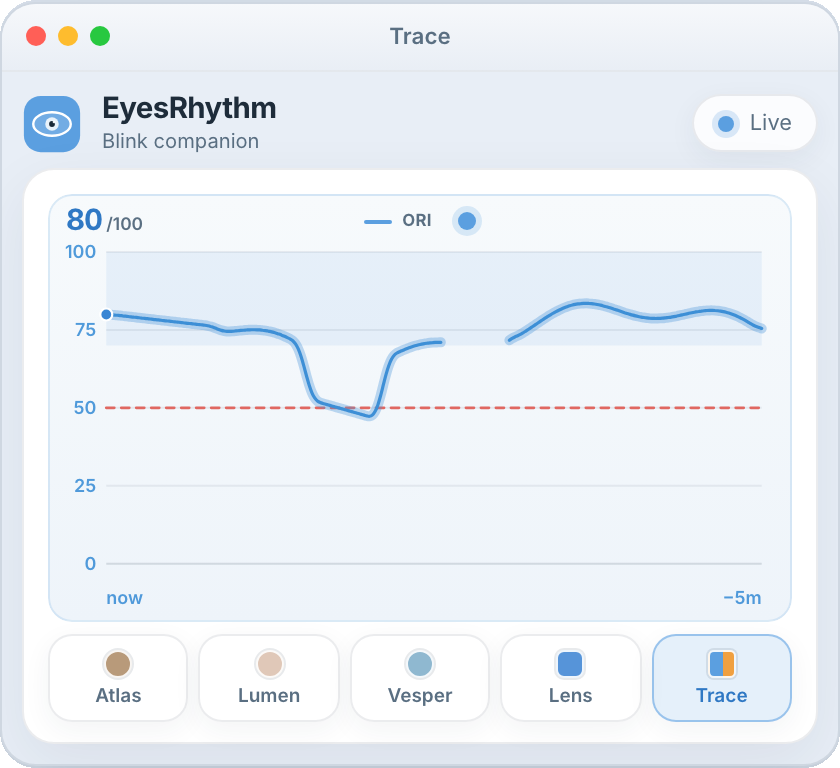
EyesRhythm Trace view showing a five-minute live ORI graph

See the last 5 minutes of your blink rhythm on a live graph.

Stays beside the work. Counts only while you are at the screen.

Why it exists

Your eyes work hard for you. Screens make them work worse.

Focused computer use often cuts blink rate in half. Sparse, uneven blinking is a known driver of digital eye strain, dryness, grit, fatigue, blurred vision, and it is easy not to notice until the eyes already hurt. EyesRhythm is a blink rate detector that sits beside that work.

What rhythm means

Rate and regularity, together.

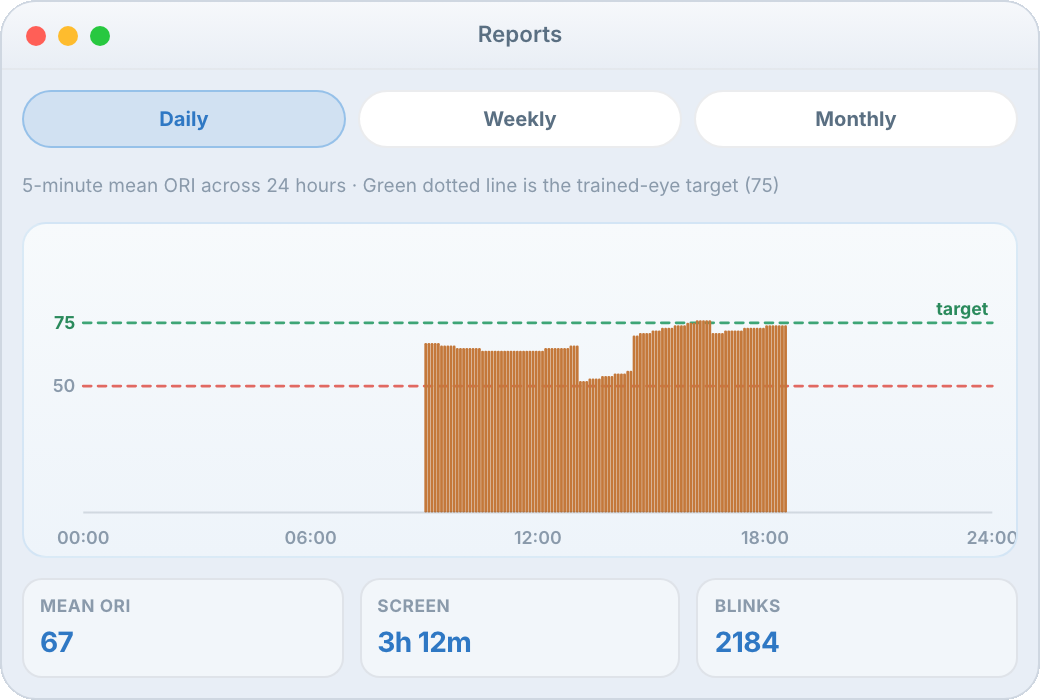
Rate is how often. Regularity is how steady. Enough blinks can still arrive in bursts and droughts; a slow but even pattern still leaves the surface dry. EyesRhythm folds both into the Ocular Rhythm Index (0 to 100). Maximize your healthy desk ORI, use practice daily, it helps to build muscle memory.

The companion

It watches, scores, and, if you ask, gently nudges.

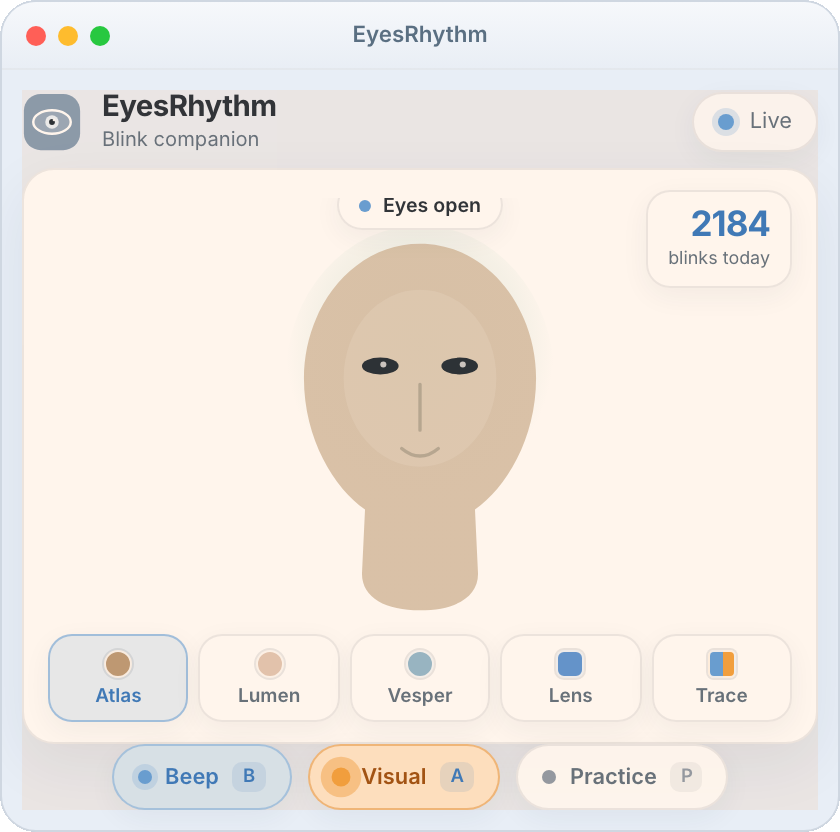
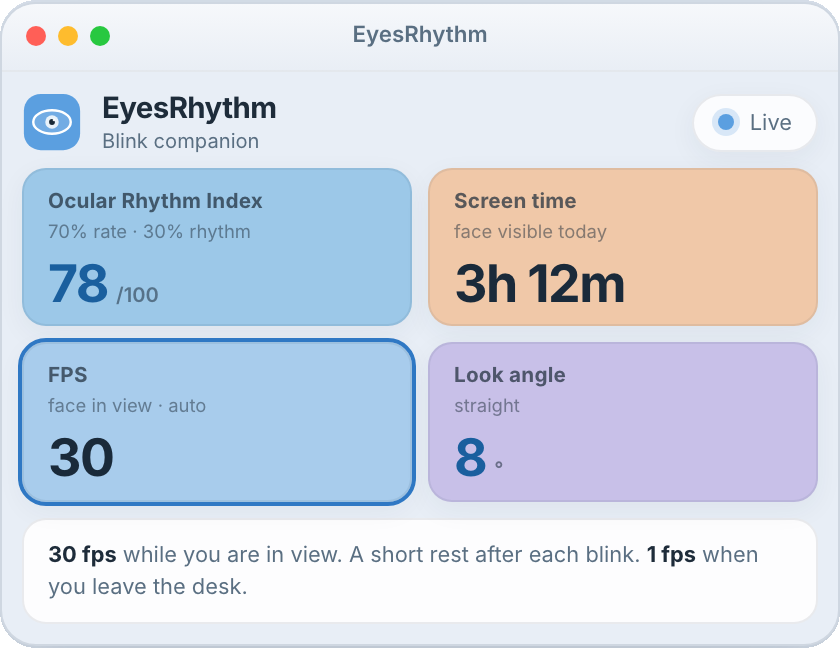
ORI on a compact window. Alert is always on: Visual by default, a quiet orange pulse, or Sound if you click A. Optional beep on each blink. Practice is a two-minute coach so the habit is easier to feel. A wellness companion, not a medical device. Lasting discomfort belongs with an eye-care professional.


Get the highlights

A companion, not another dashboard.

Live blink rate

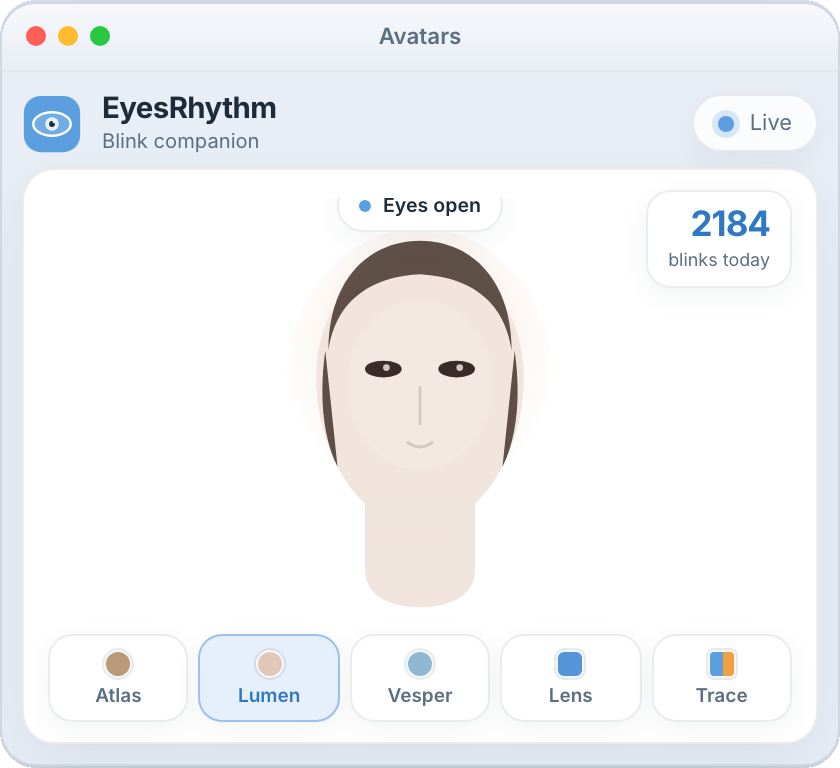
A webcam blink rate detector in a compact window. ORI, screen time, and look angle stay in view. Rate and regularity sit on Trace.

Visual or Sound

Alert stays on. Visual is a quiet orange pulse. Click A for Sound. Beep (B) is a separate click on each blink.

Beep on each blink

A tighter feedback loop. Optional click on every counted blink.

Practice

A countdown, then a guided two-minute session that paces blinks so the habit is easier to feel.

Dockable GUI

Open Settings and Reports beside the companion, then hide the panel to keep the window small.

Built for the desk

A small window next to your work. Camera preview stays put-away unless you open Lens.

A peony in full bloom beside an open laptop showing a pair of happy eyes.

We care about your privacy

100% local after you register the license.

  • That is why the app stays on your computer after registration is done.
  • Internet once, to register the license. Then no account, cloud, or analytics.
  • Camera frames stay on this computer. Nothing is uploaded or kept as a film of your face.
  • Today’s totals and preferences stay in a local folder, yours alone.
Read the privacy page

A copy for your desk

Keep it nearby. Pay once.

$12 one time, macOS or Windows, not both. Feature updates included for lifetime. After you pay, you get a license key and that OS’s installer by email. First launch needs the internet once.

$12

one-time · one computer · one OS

  • Unique license key, emailed to you
  • Activate on first run, then fully offline
  • Feature updates included for lifetime

Tested on Intel Core i7 and on Mac processors. We recommend this configuration.

FAQ

Questions, answered.

What is a blink rate detector?

A blink rate detector uses a camera to notice each blink and measure how often they happen, usually as blinks per minute. EyesRhythm does that on your Mac or Windows computer, then also looks at how evenly those blinks are spaced.

Does EyesRhythm work with a laptop webcam?

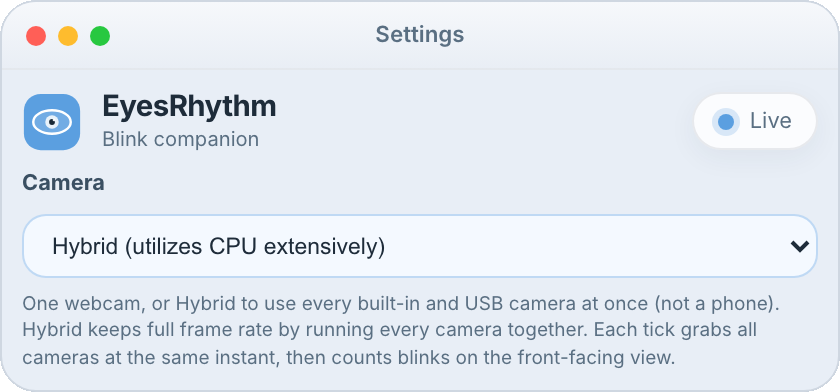
Yes. It uses the built-in camera on a Mac or Windows laptop, or a USB webcam. Sit as you usually work so the camera can see your eyes. The setup guide in the journal walks through the few things that help.

Does any video leave my computer?

No. After you register the license, frames are read on this machine and discarded. There is no account, cloud, or analytics. Camera frames are not uploaded or kept as a film of your face.

How is this different from a blink counter?

A counter only totals blinks. Six blinks can still mean two very different minutes if they arrive in clumps with a long dry wait in the middle. EyesRhythm folds rate and regularity into one Ocular Rhythm Index, from 0 to 100.

Is EyesRhythm a medical device?

No. It is a wellness companion for desk work, not a diagnosis or a treatment. Lasting discomfort or a change in vision belongs with an eye-care professional.

A quiet evening desk with a lamp, notes, glasses, and a laptop.

About

Built from a real pain, not a trend.

The developer behind EyesRhythm has spent more than two decades working as a software developer. Years of long hours in front of computer screens gradually took a toll on his eye health, leading to frequent dryness, redness, and, at times, significant discomfort.

Advances in modern technology made it possible to create EyesRhythm: a simple, lightweight companion designed to support healthier blinking habits during extended screen use. Having personally used the application, he has found it useful and effective enough to share with others.

Our goal is simple: to build technology that solves a real problem without creating another distraction. EyesRhythm works quietly in the background, helping users become more aware of their blink rhythm while staying focused on their work.

We believe the best products are shaped by real experiences and honest feedback. If you choose to try EyesRhythm, we would greatly appreciate hearing about your experience at hello@eyesrhythm.com. Your feedback will help us continue improving the product and ensure that it remains simple, useful, reliable, and unobtrusive.